


Kids have bags for everything including back packs, school stuff, sports, after school activities and when they leave home with something we want them to bring that back home, right? Today I'm sharing a cute idea of how to make some personalized name tags using blank business cards and plastic name badge sleeves.
I've also included a free printable of this darling little boy down below.
These durable plastic name badge sleeves are very versatile and I use them for so many projects. Like this one I did a while back for labeling craft supplies. (click here to see that post)
(They come in a pkg. of 10 and I buy them in the office supply section of Wal-Mart) or you can see them here from Office Depot.

I love using blank business cards for all sorts of things including name tags like this. Since they are perforated it's easy to design, print and tear them apart.
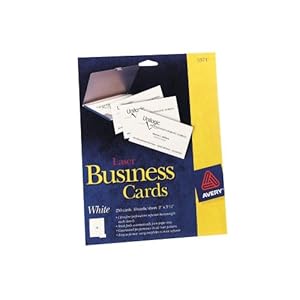 |
| 2 x 3 1/2" Business Cards - Avery #5371 |
I printed an entire sheet of these (10 total), layered it on scrapbook paper and inserted it into the name badge sleeve. I used a notebook ring (like these) to attach to his bag. I put a card on the front and back so no matter which way the tag lays anyone can see his name.
Here is a free printable for your personal use. The adorable little boy is from Scrappin' Doodles Summer Stick Kids 2 collection
Just right click on the image and choose "save as" to your computer. Or you can open it in a new window and save as.

To add this and make your own Business Cards -- open up a Document and find a template for Avery #5371. Find this graphic on your computer and select insert or choose. Adjust the size as you need to. To personalize the name of the child insert a Text Box and choose a font.
The font I used for Spencer is Larger Mime.
Print off of your computer and your good to go.

Enjoy!
♥Tracy
Linking up to these parties:
______________________________


